- Just Arrived
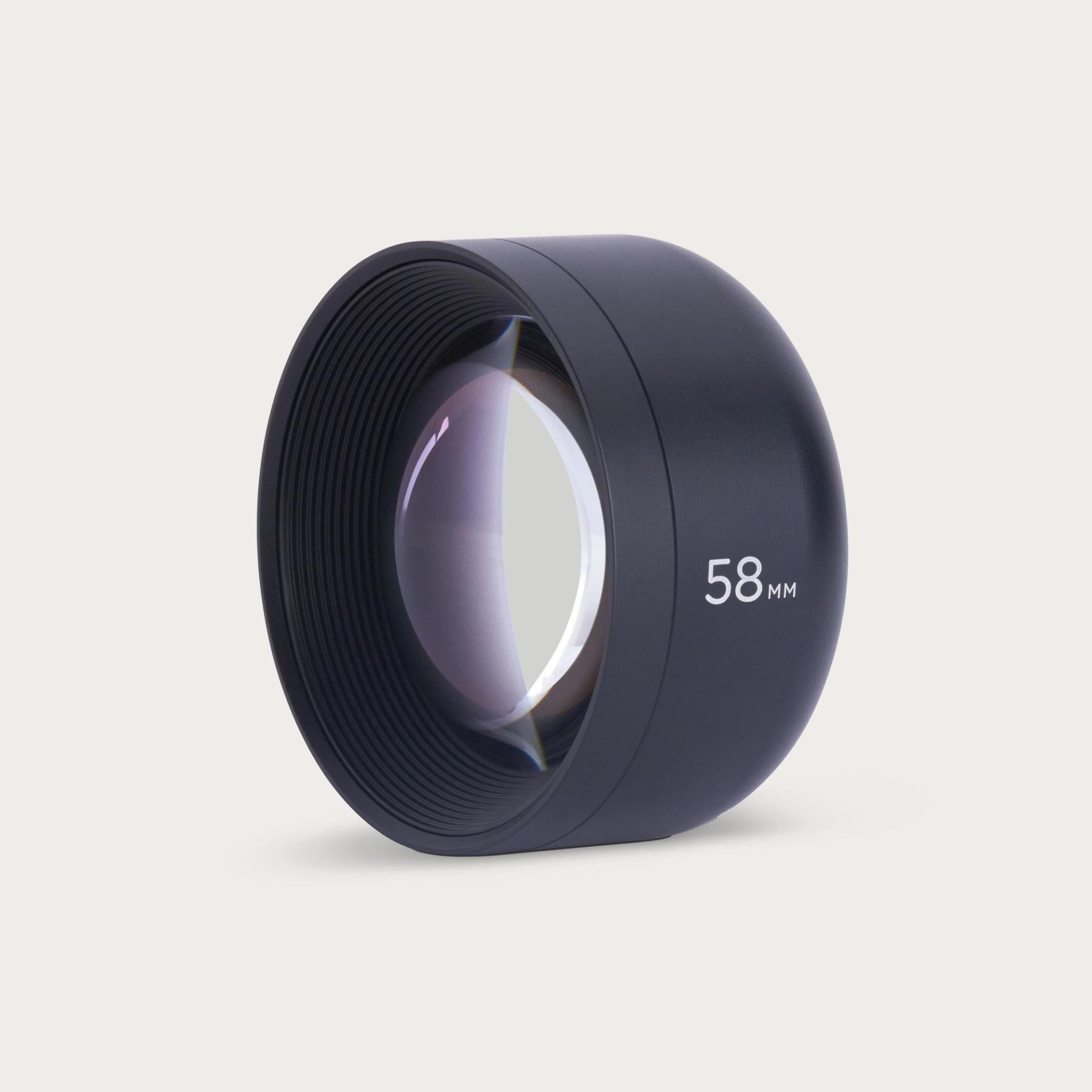
Tele 58mm Mobile Lens (T-Series) - I
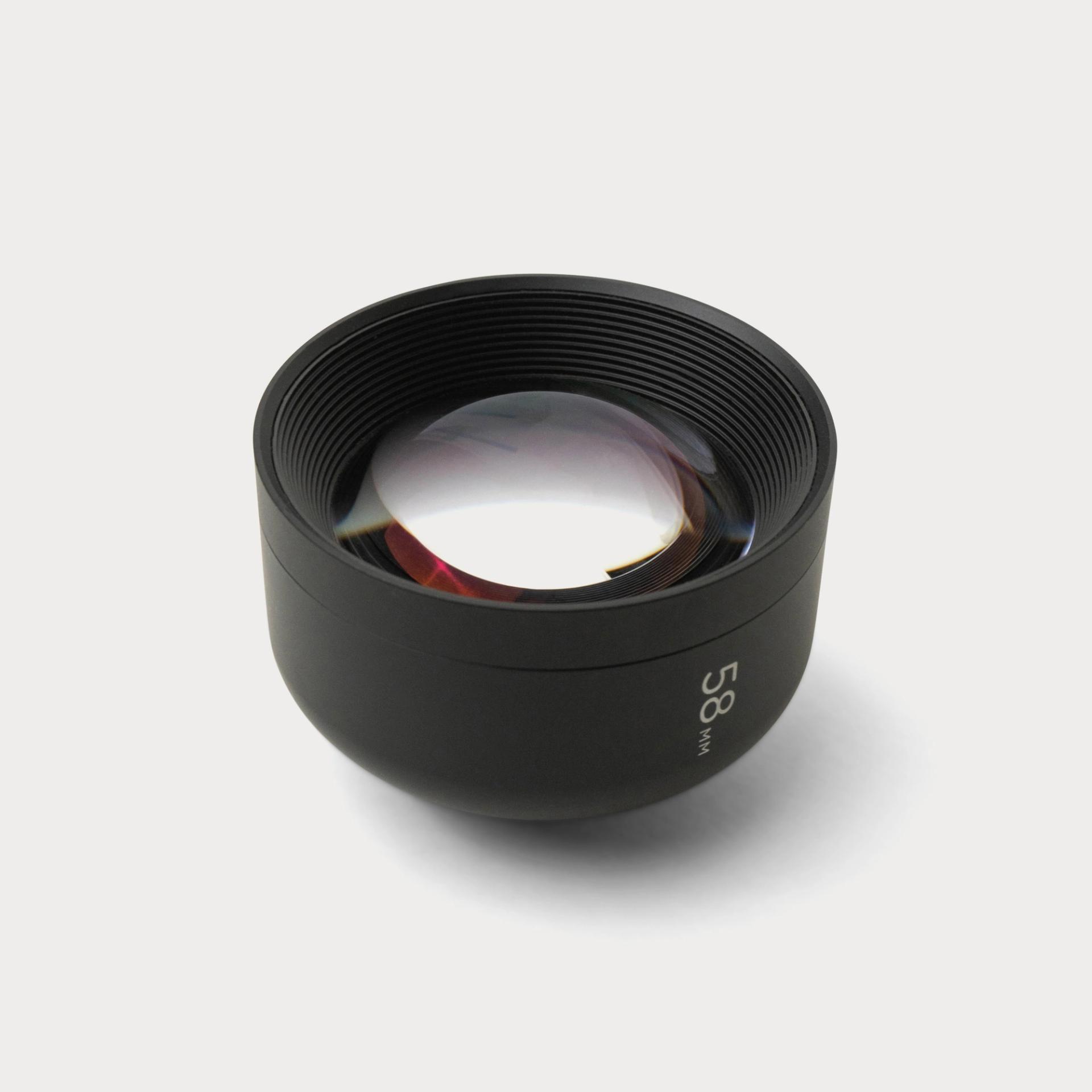


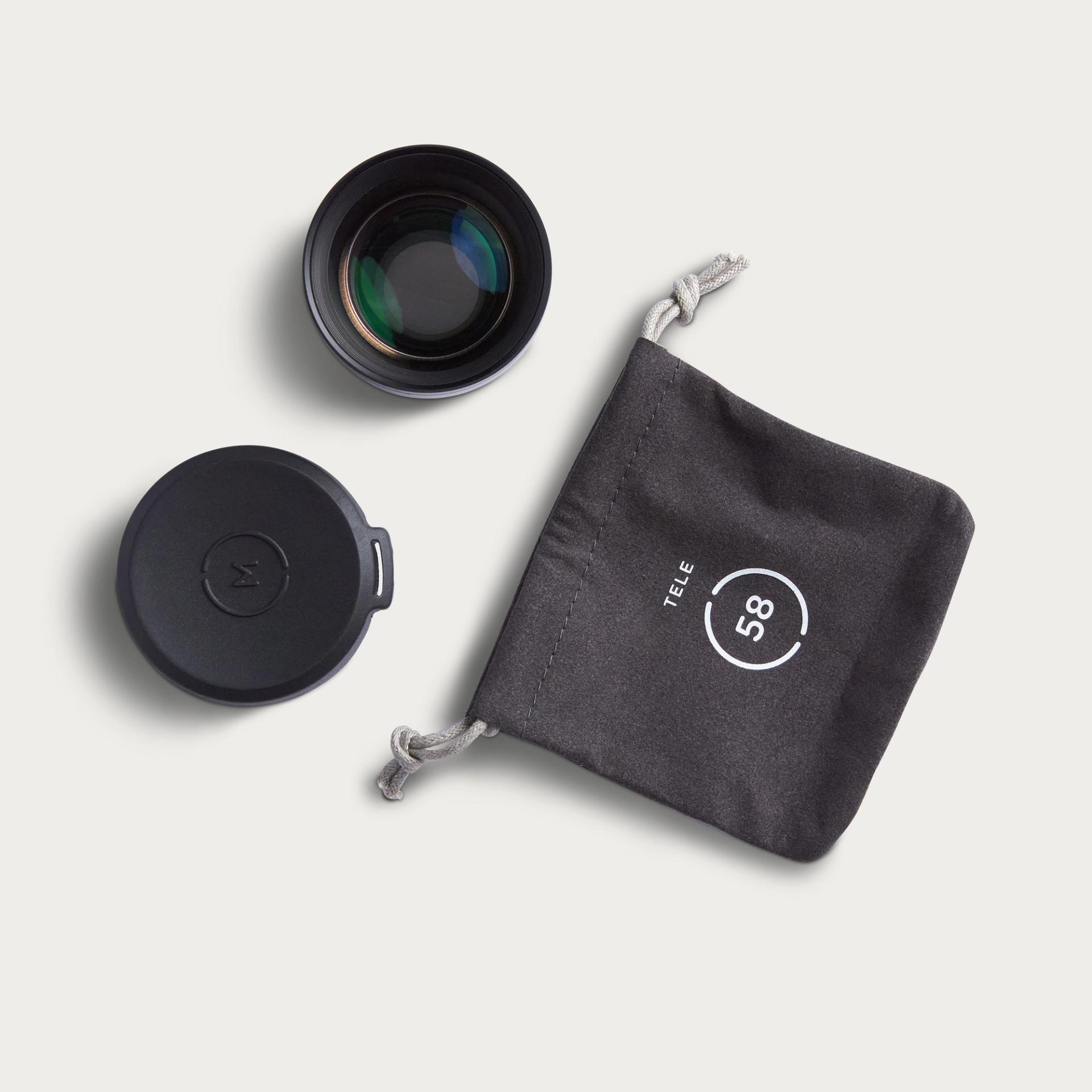
Tele 58mm Mobile Lens (T-Series)
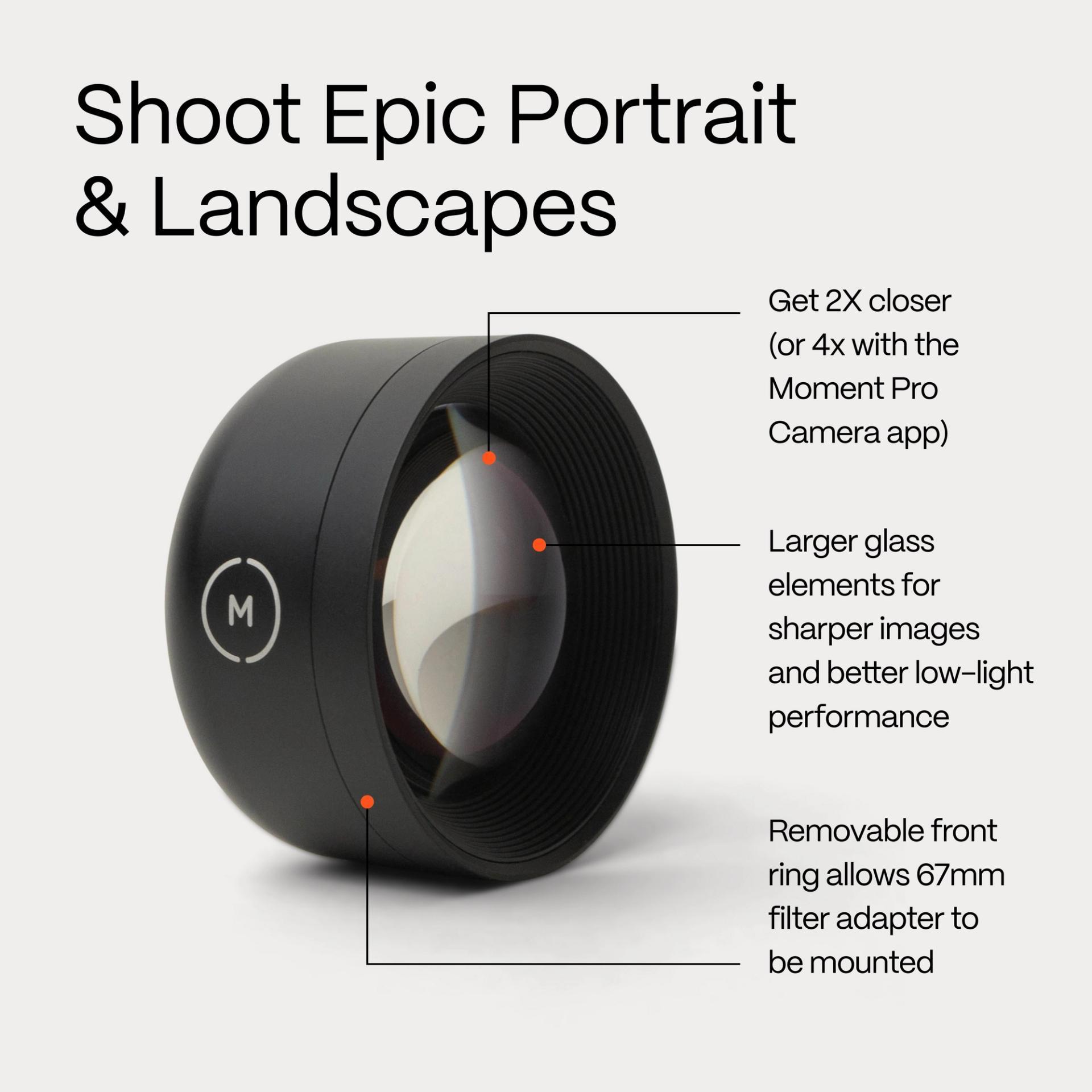
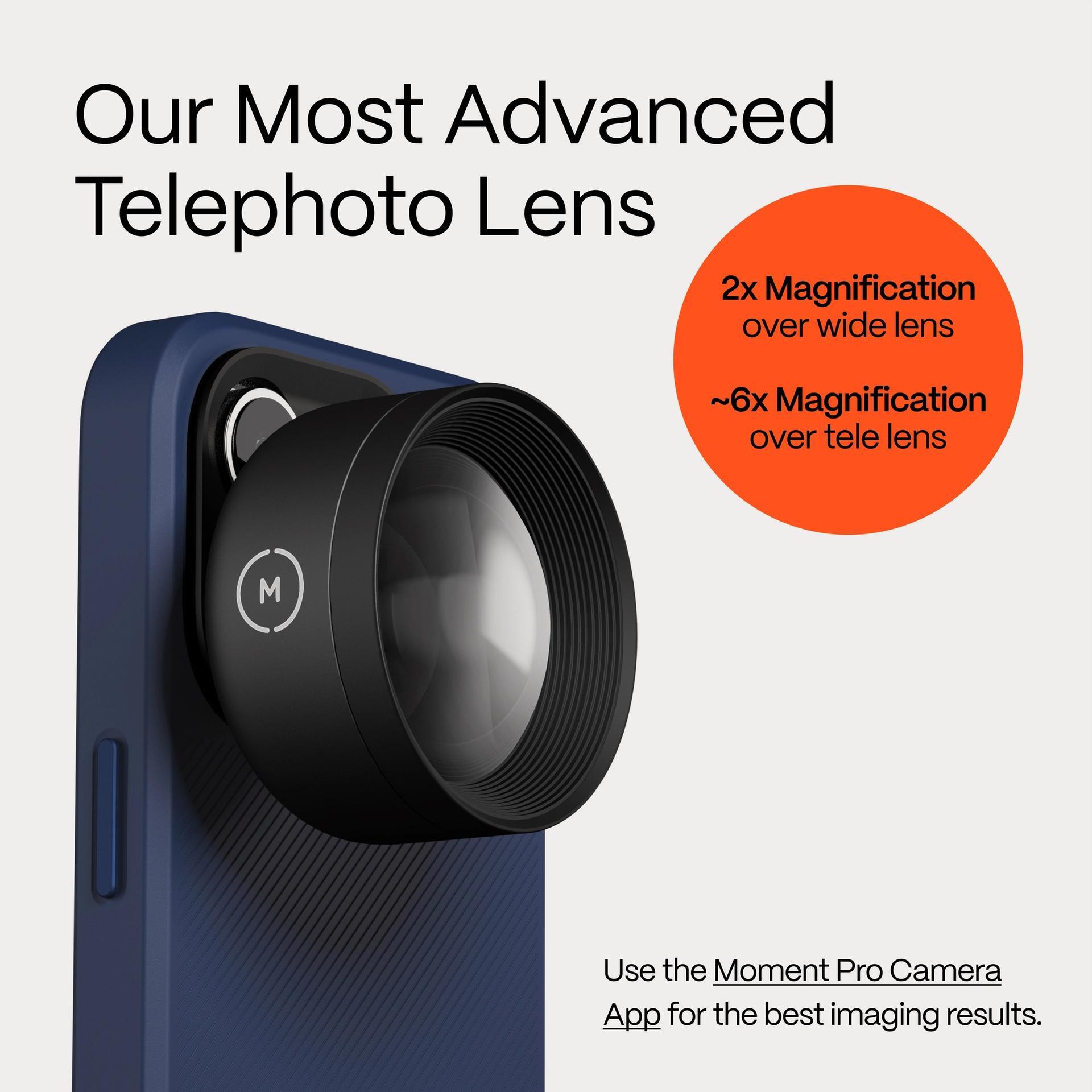
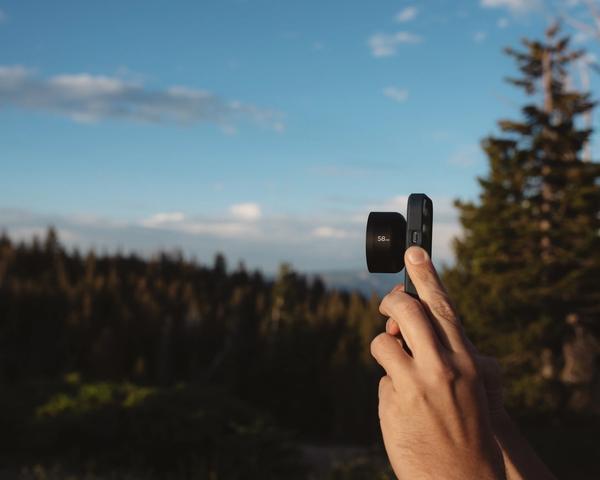
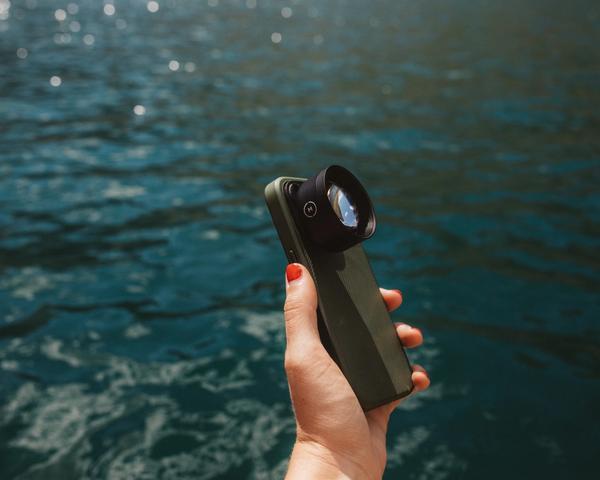
The Moment Tele 58mm is an incredible mobile lens for portraits, landscapes, and extra smooth looking video. It's the most popular lens for good reason. Gets you 2X (or up to 6X with the Moment Pro Camera app) closer to your subject and gives you extra depth, beautiful looking bokeh, and an even sharper image.
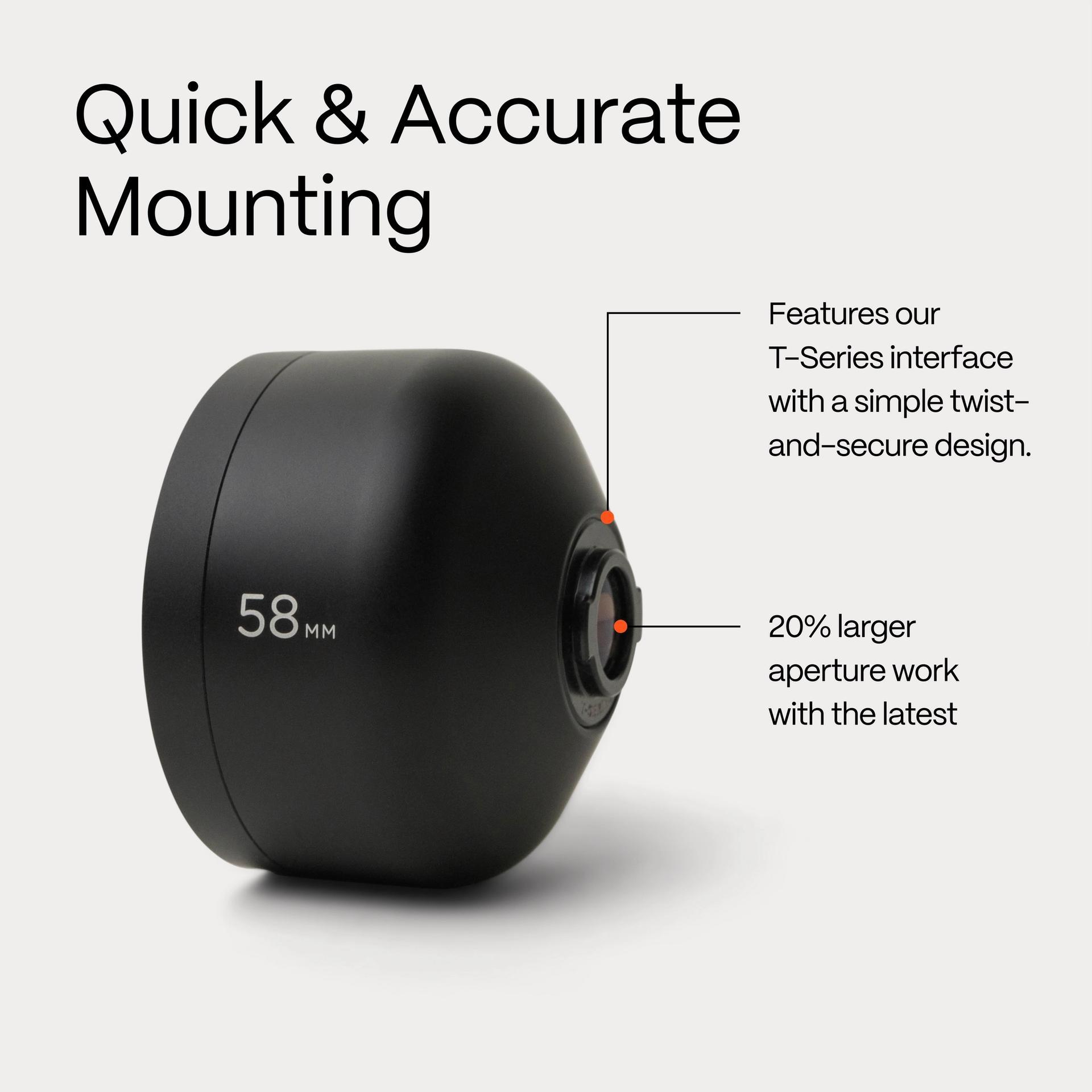
Our Tele 58mm is available in two generations, M-Series and T-Series, optimized for different phone camera apertures. T-Series is tuned for the wider apertures found on the latest generation of smartphone cameras (iPhone 13, Pixel 8, Galaxy S22, and beyond). Packed with 25% more glass, it's our biggest tele ever. The M-Series Tele 58mm is optimized to work for iPhone 14, Pixel 7, and earlier generations. With a 30% smaller footprint than T-Series, it's a lightweight and affordable entry to mobile photo & video. Perfect for younger members of the family who are just getting started, or a way to extend the life of an older phone by turning it into a killer camera.
Both lenses achieve stunning edge-to-edge clarity with a six-element glass design that is precision polished to achieve an extra-low dispersion rate. Expect the same dreamy bokeh and natural background compression from shooting through telephoto glass, with better low-light performance at higher image resolutions. With our proprietary twist-and-lock design, you can mount a lens securely in seconds, making sure you never miss the shot.
SKU: 130-104
Works with:






What Makes the 58mm Tele Lens Unique?

Crisp from Edge to Edge
Our updated design delivers beautiful dreamy softness while maintaining crisp range and detail…with no unwanted vignetting.

Made From Aerospace Grade Metal
Our lenses are always crafted with premium materials, ensuring the highest quality you won't find anywhere else in the mobile market.

Easy to Use
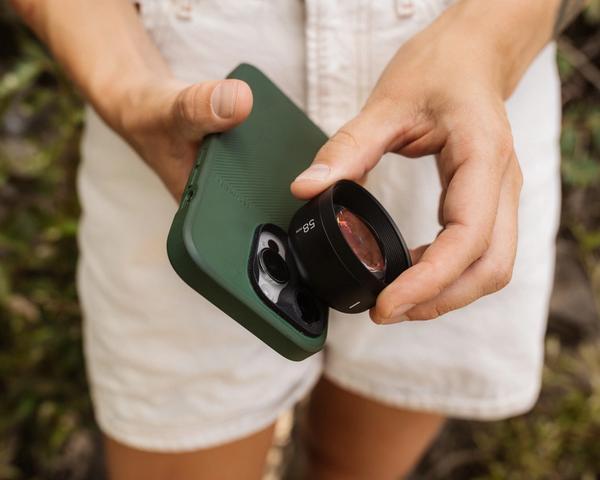
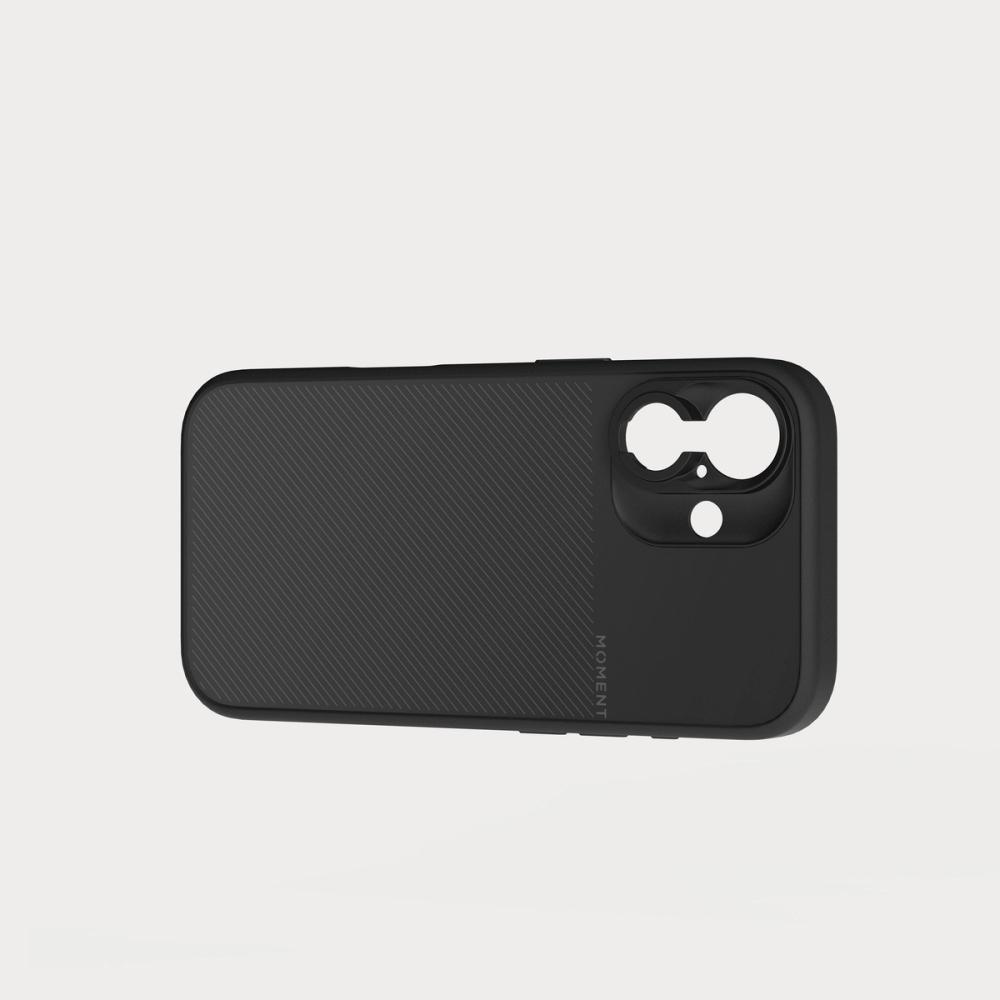
Simply line it up, twist, and you're locked and loaded. It pairs nicely with our Moment case or universal mounting system for a seamless user experience.
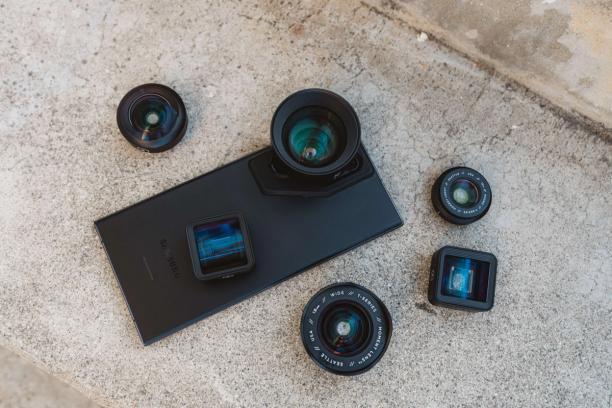
Works on iPhone and Android
Engineered to be compatible with the next generation of smartphones.
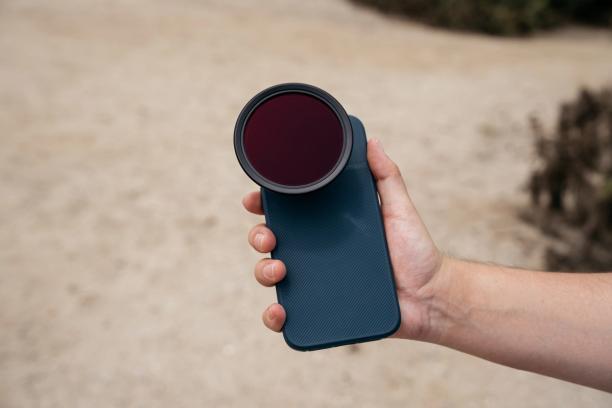
Even Better With Filters
Dress up your favorite lens with any Moment filter of your choice! We carry a variety of filters and filter adapters for even greater manual control with your phone.
How To Use Tele 58mm
Our step-by-step guide to shooting telephoto on your phone.

Mount Your Lens
Attach with a Moment Case and Drop-In Mount, or our Universal Lens Mount. Check the compatibility chart below.

Download Pro Camera (Optional)
Optional, but worth it. The Moment Pro Camera app ($9.99) lets you lock to your main lens, where the native camera app auto-switches lenses on you and can break the shot.

Take a Step Closer
Use the 58mm reach to simplify the frame — isolate your subject, cut the clutter, and shoot with intent. Great for portraits, details, and storytelling shots.
Tele 58mm vs SuperTele 240mm

Powered by Moment Pro Camera II
Download our app for full manual control over your camera settings when shooting with our Mobile Lenses. Manual focus, exposure priority shooting, 48MP ProRaw, and so much more.
Learn More

Reviews
You might also like


On Sale


Just Arrived


Just Arrived
In Stock3 Options


#1Seller
In Stock12 Options
In Stock10 Options


In Stock27 Options


Just Arrived
In Stock4 Options


On Sale
Not Available2 Options
On Sale


In Stock2 Options